








Free to start • Smooth on mobile

Your backing band, always with you

Pick a song or build one from your own chords. Choose a style and hit play. Drums, bass, guitar, and piano harmonize with every chord right in your browser.

  • Play right in your browser, no install needed
  • Turn static chord charts into living arrangements
Music Studio
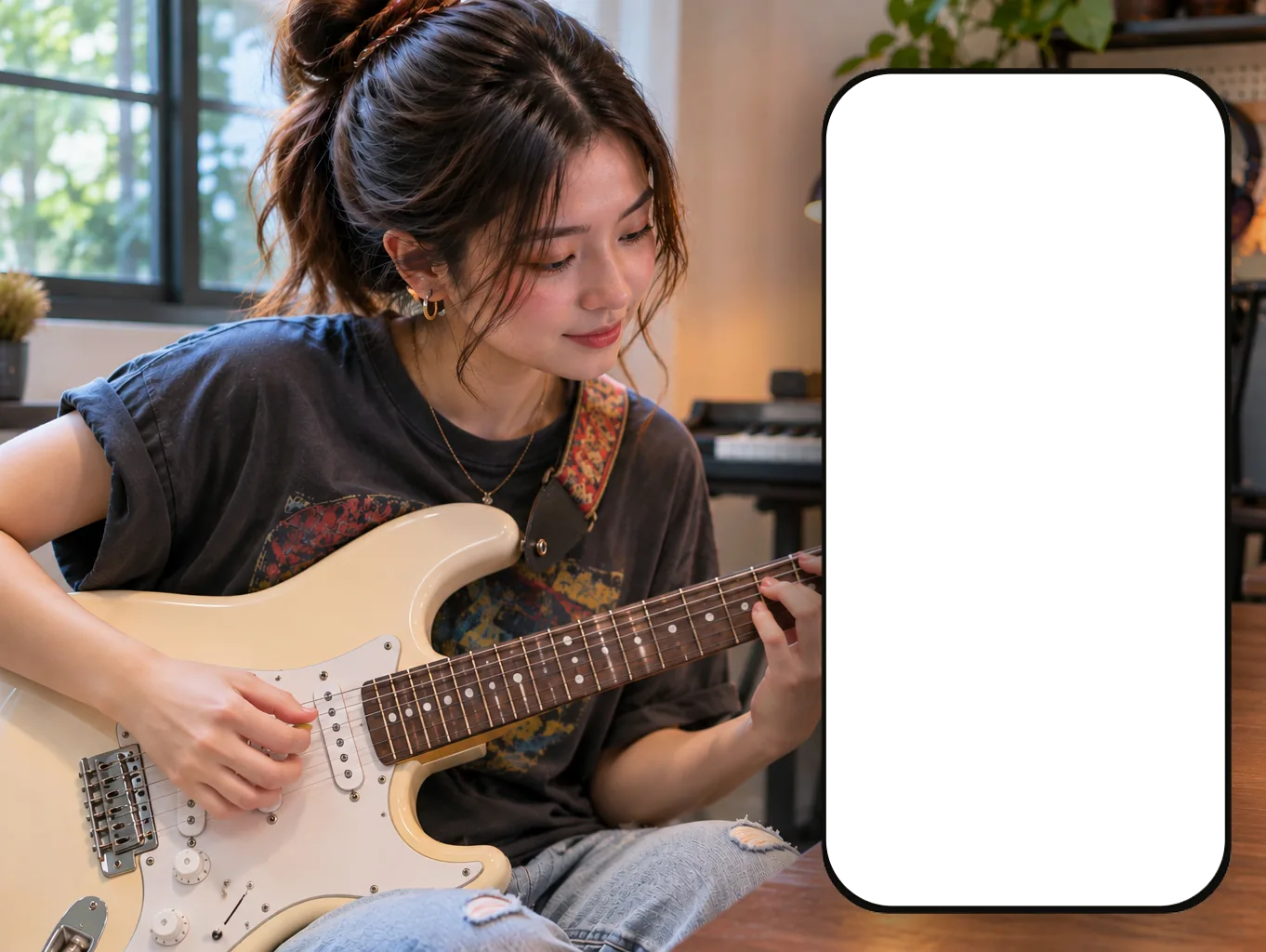
A guitarist playing along with ToBePlay on a phone
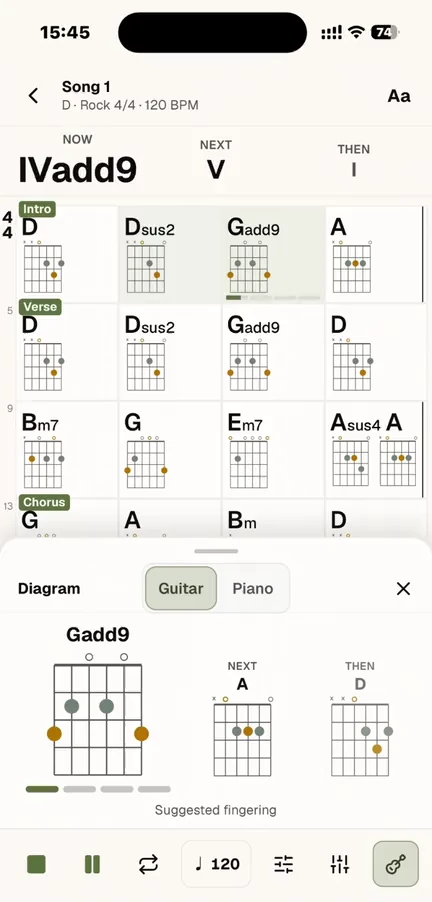
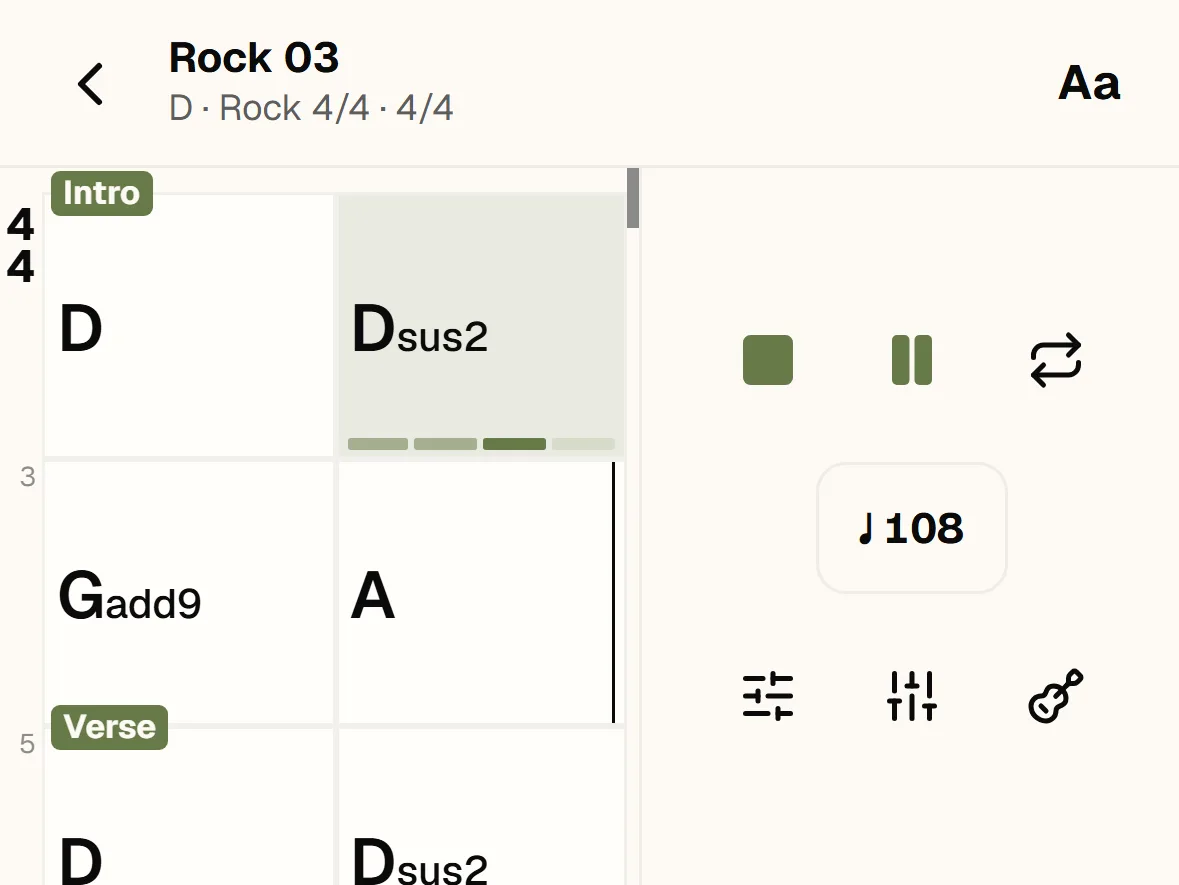
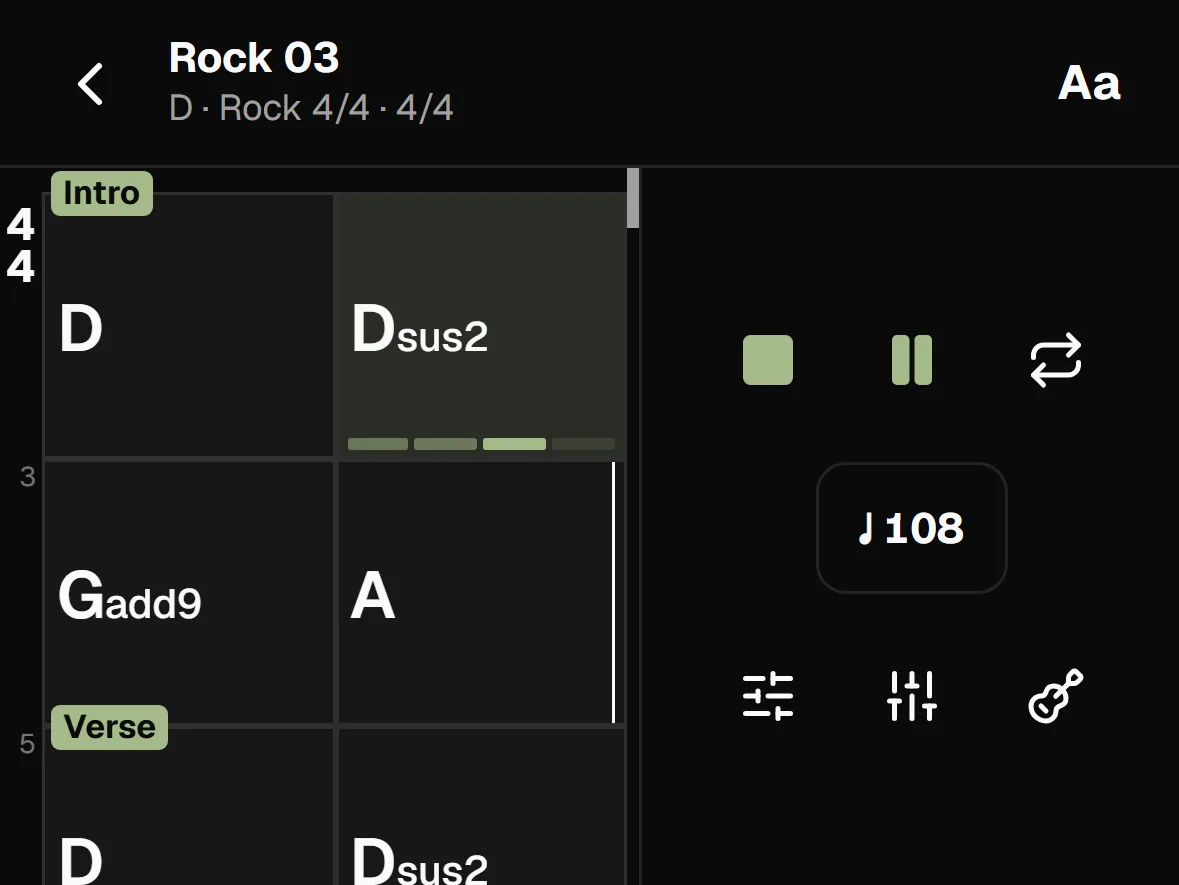
A chord chart playing in ToBePlay Practice
The playback controls in ToBePlay Practice

Play with a band

Same chord chart. Change the style, shift the whole vibe

The ToBePlay band follows every chord you choose. Switch the style, and the same chord progression transforms into a brand-new arrangement.

  • Drums
  • Bass
  • Guitar
  • Piano
  • Percussion
  • Strings
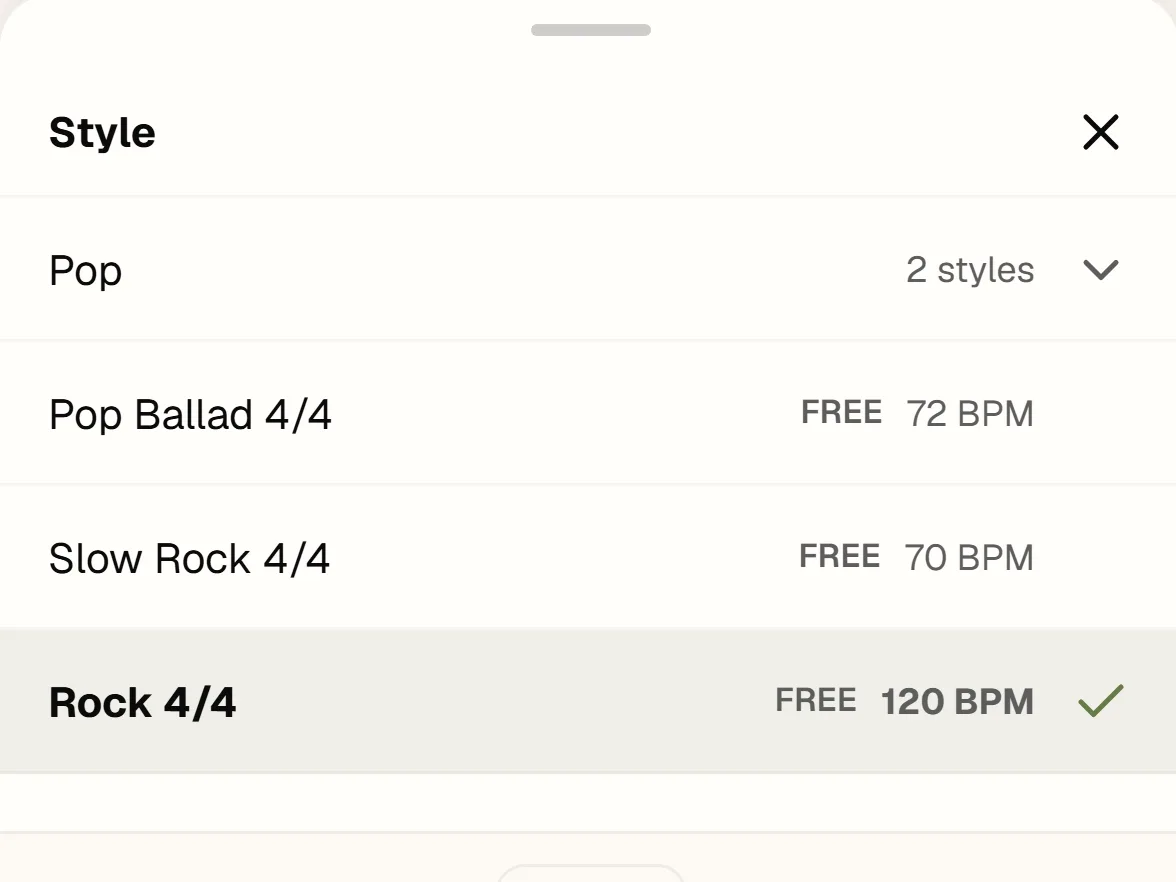
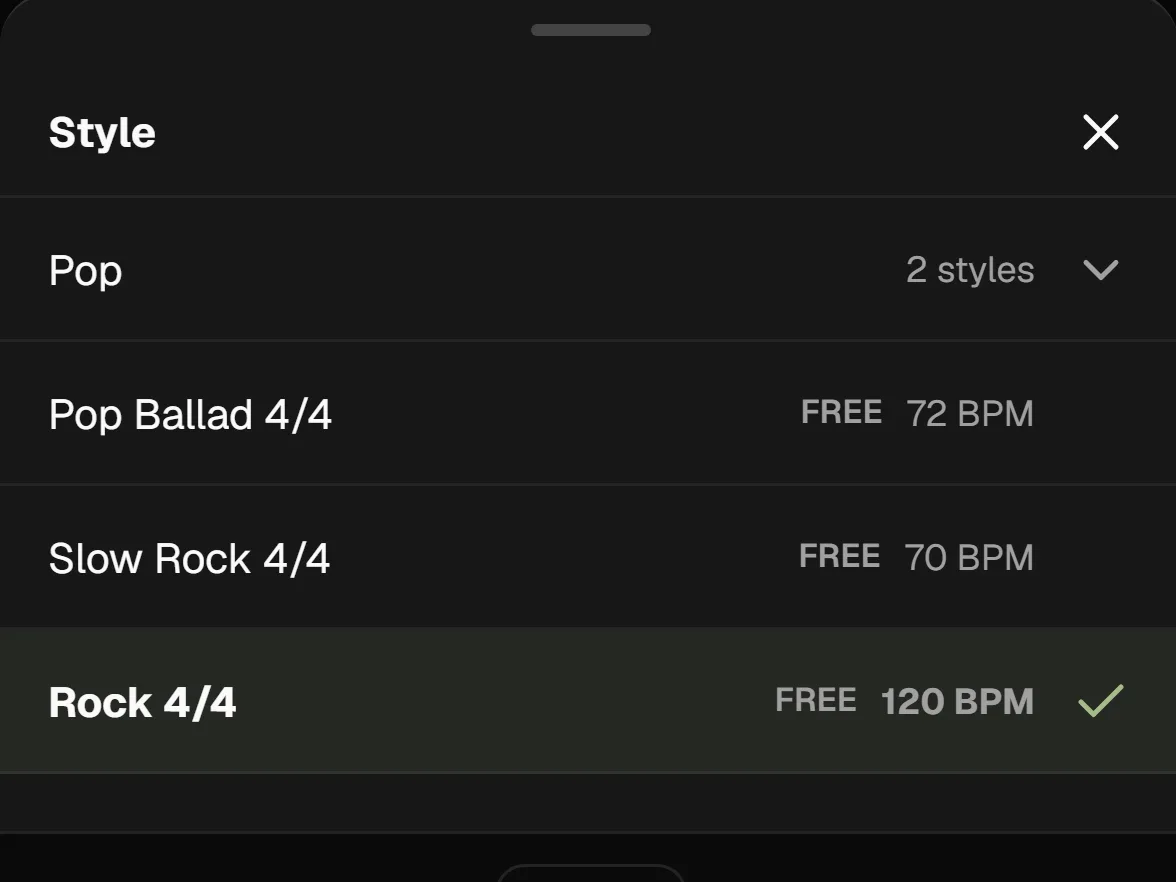
The style picker in ToBePlay Practice

Your own arrangements

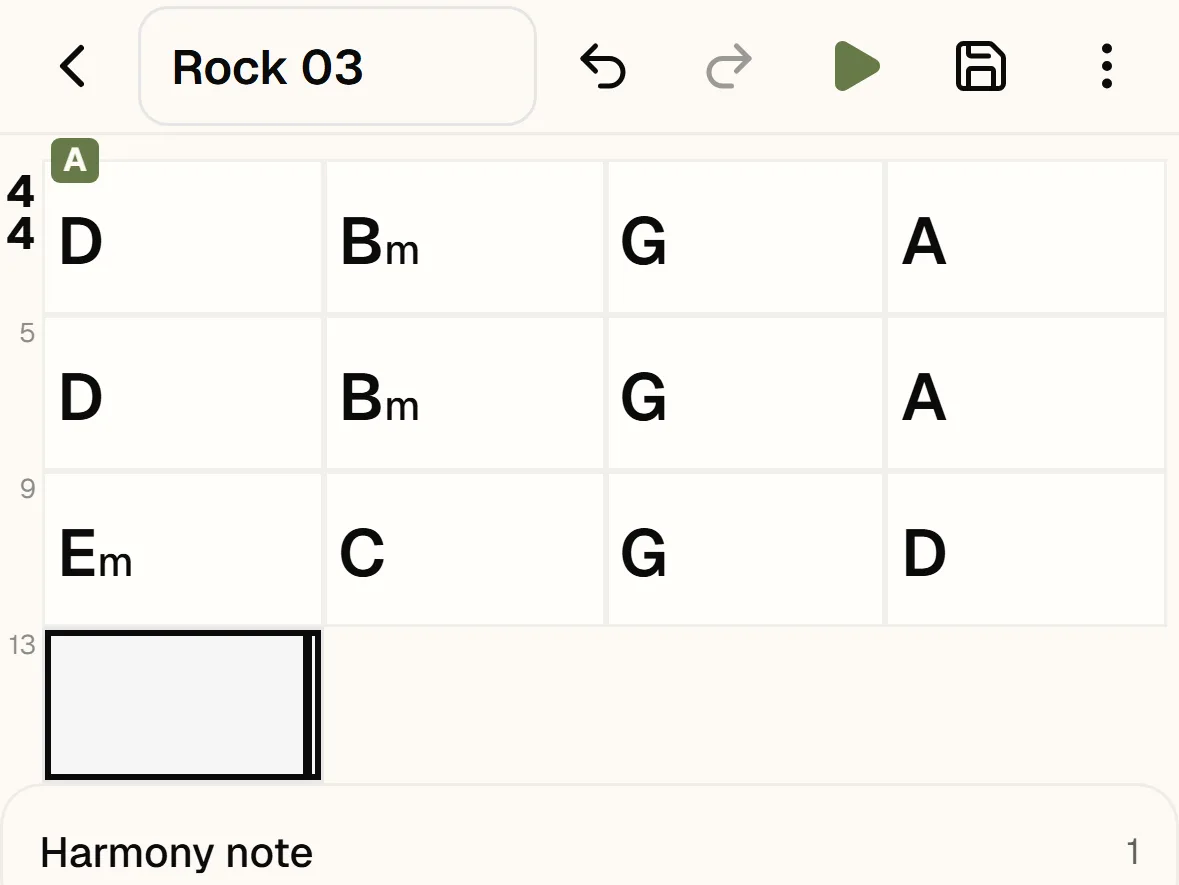
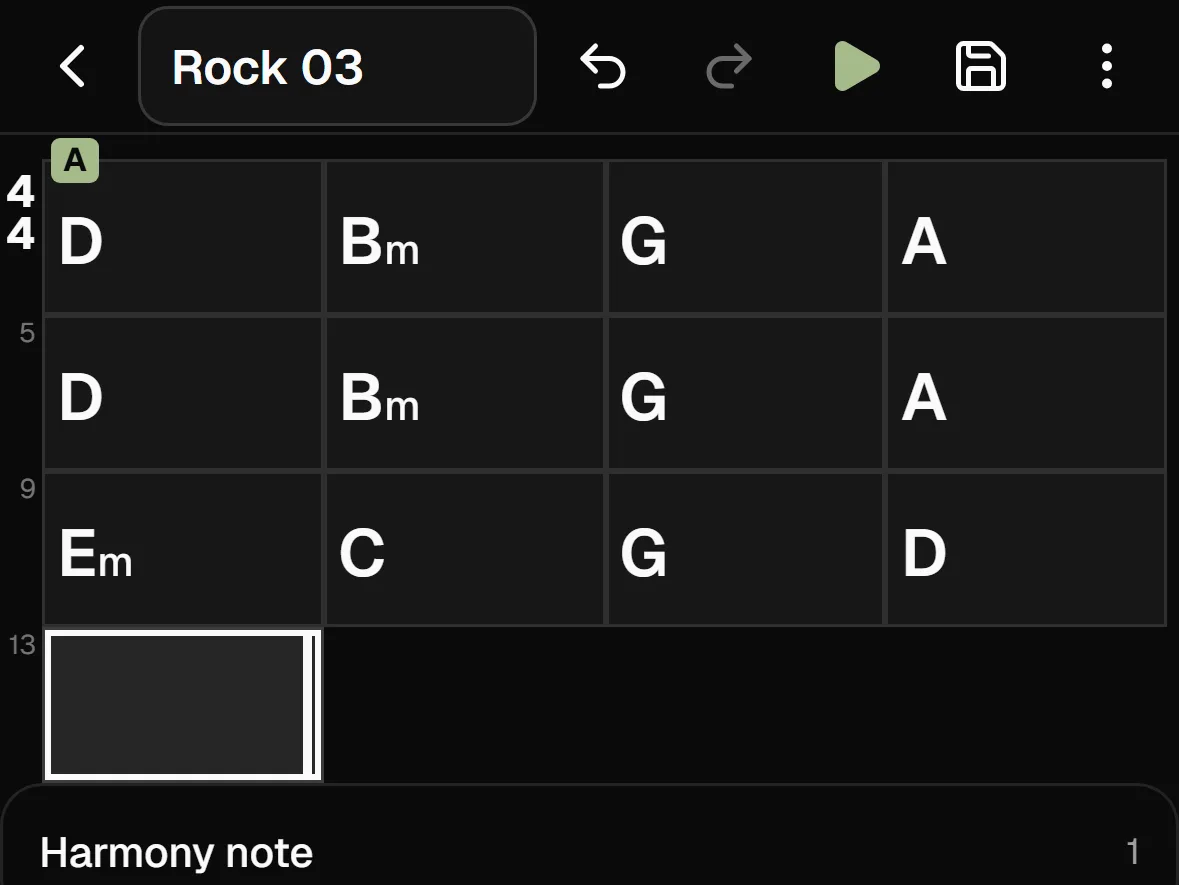
Enter your chords. Get an instant full-band arrangement

Song Editor features a dedicated chord keyboard. Lay out sections, repeats, and endings, then hit Play to hear your arrangement with full backing harmony. Easily print or share your chord chart.

  • Song structure
  • Repeats
  • Endings
Song Editor with a chord chart and the chord entry keyboard

Sing & Perform

Sing • Tap! The band follows your lead

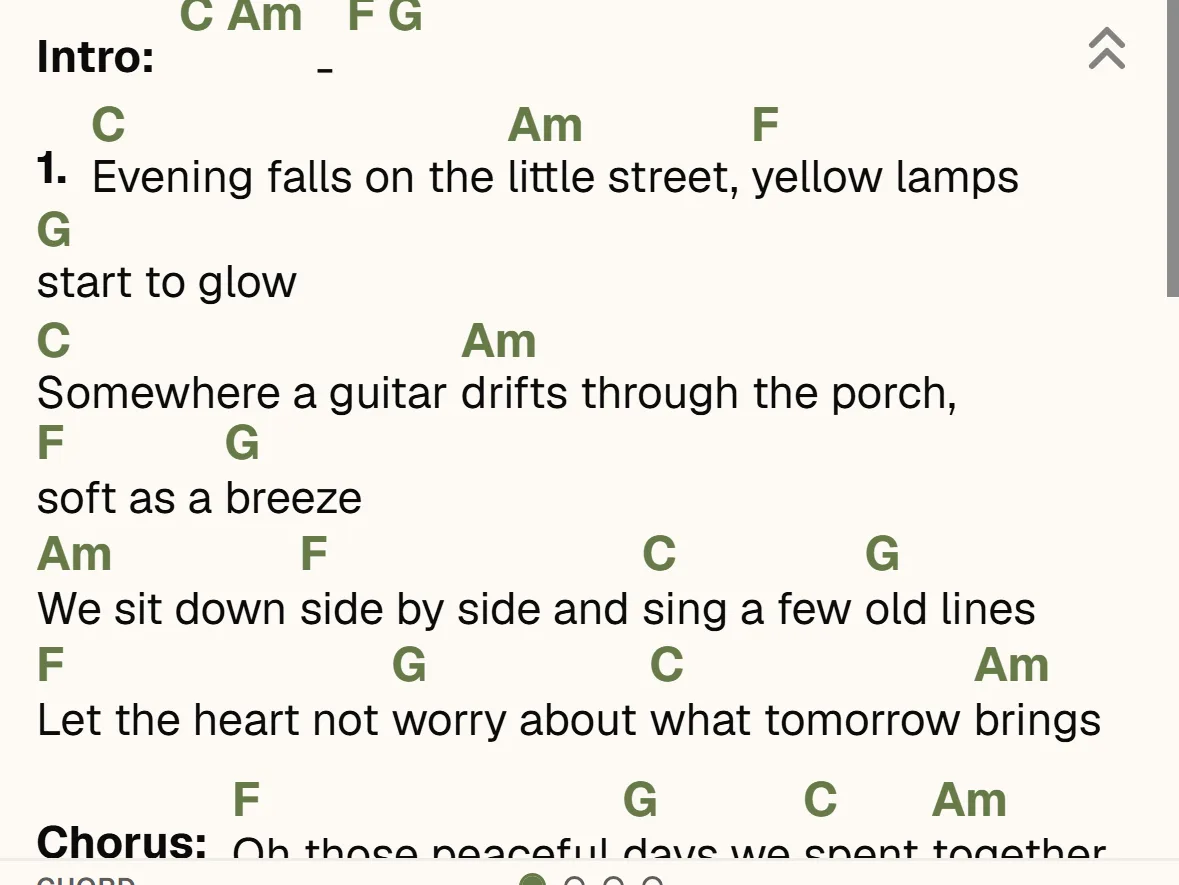
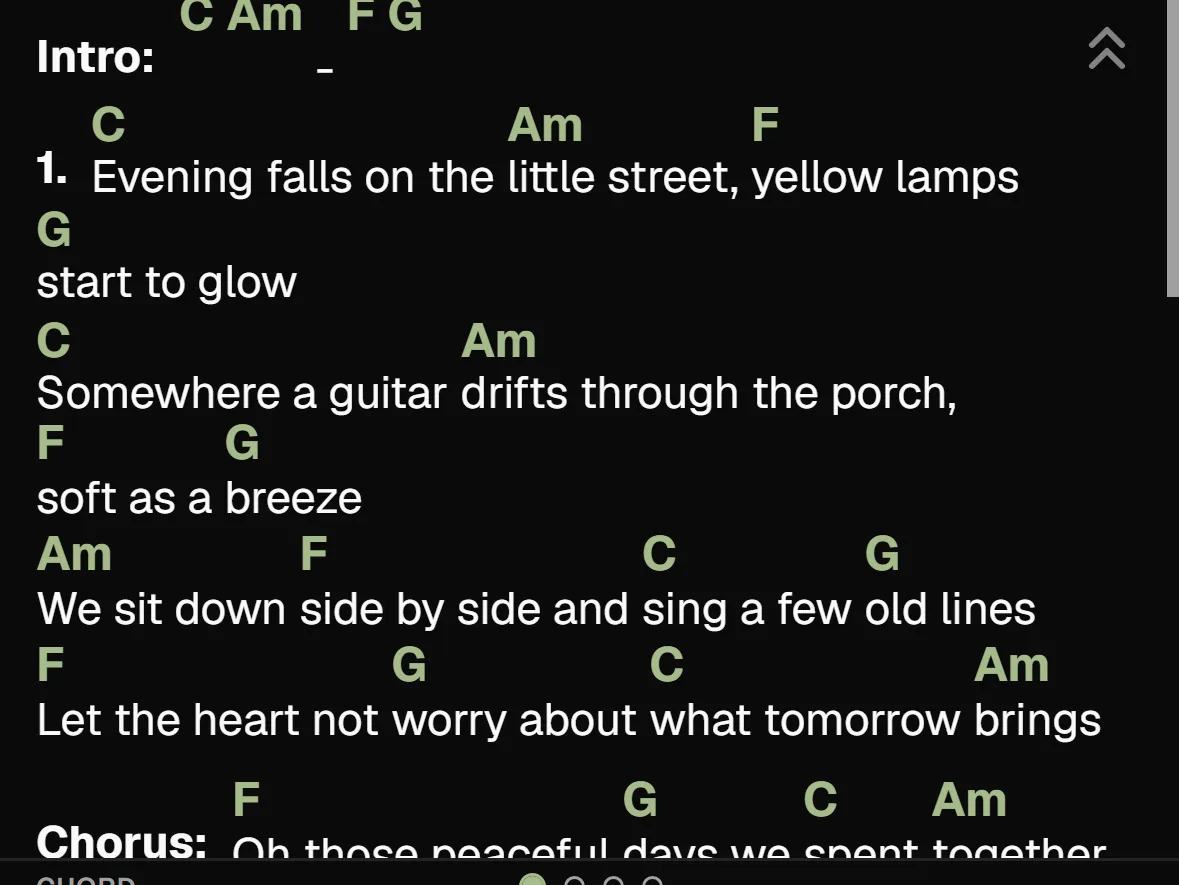
Add lyrics with chords displayed clearly on screen. Tap the Chord Pads and the band shifts right on your cue. Export your accompaniment to Song Editor and practice right away.

Lyrics with chords in the Performance view
  • Chord Pads
  • Style
  • Mixer
  • Fill & Variation
  • Lyrics

Practice your way

More tools to take control and get creative

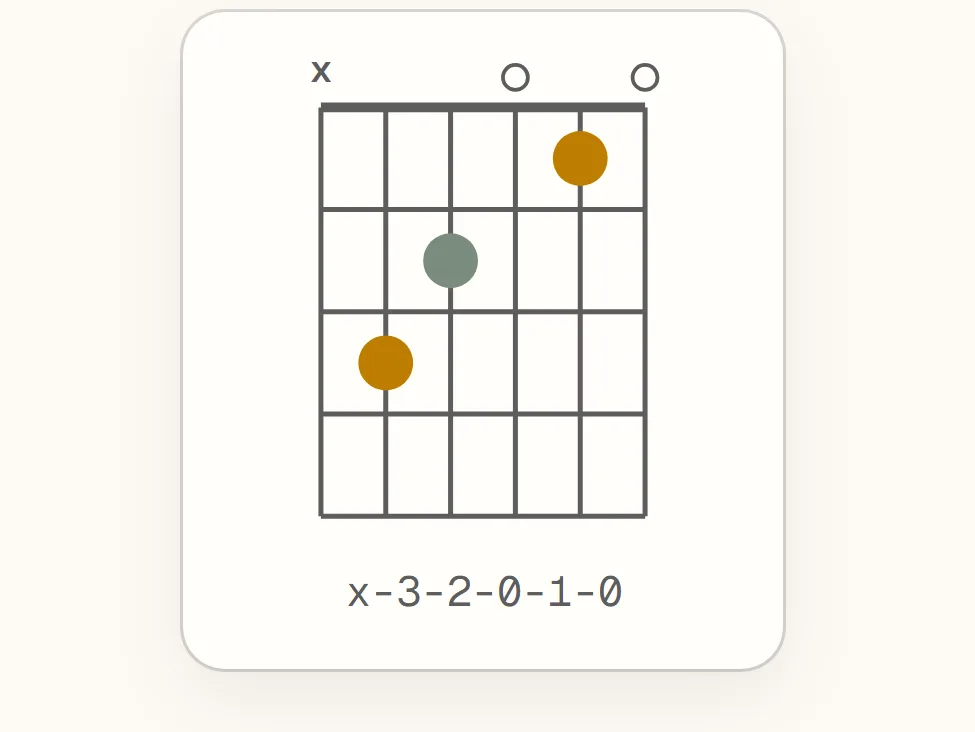
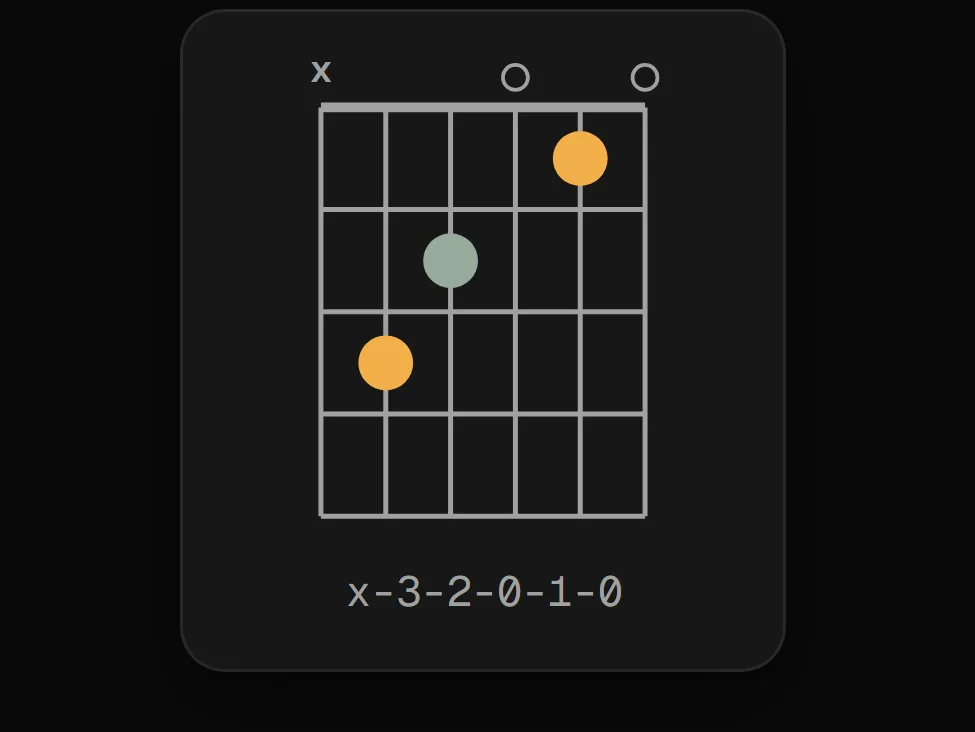
Adjust the tempo, loop tricky sections, set a count-in, switch styles, and view chord diagrams. All practice tools and popular styles are free to play right away, with an expanded style library exclusively for members.

  • Tempo
  • Loop
  • Count-in
  • Metronome
  • Transpose
  • Mixer
A chord chart with the tempo and loop controls in ToBePlay Practice

Music theory tools • Free & connected

Visual lookup, seamlessly connected

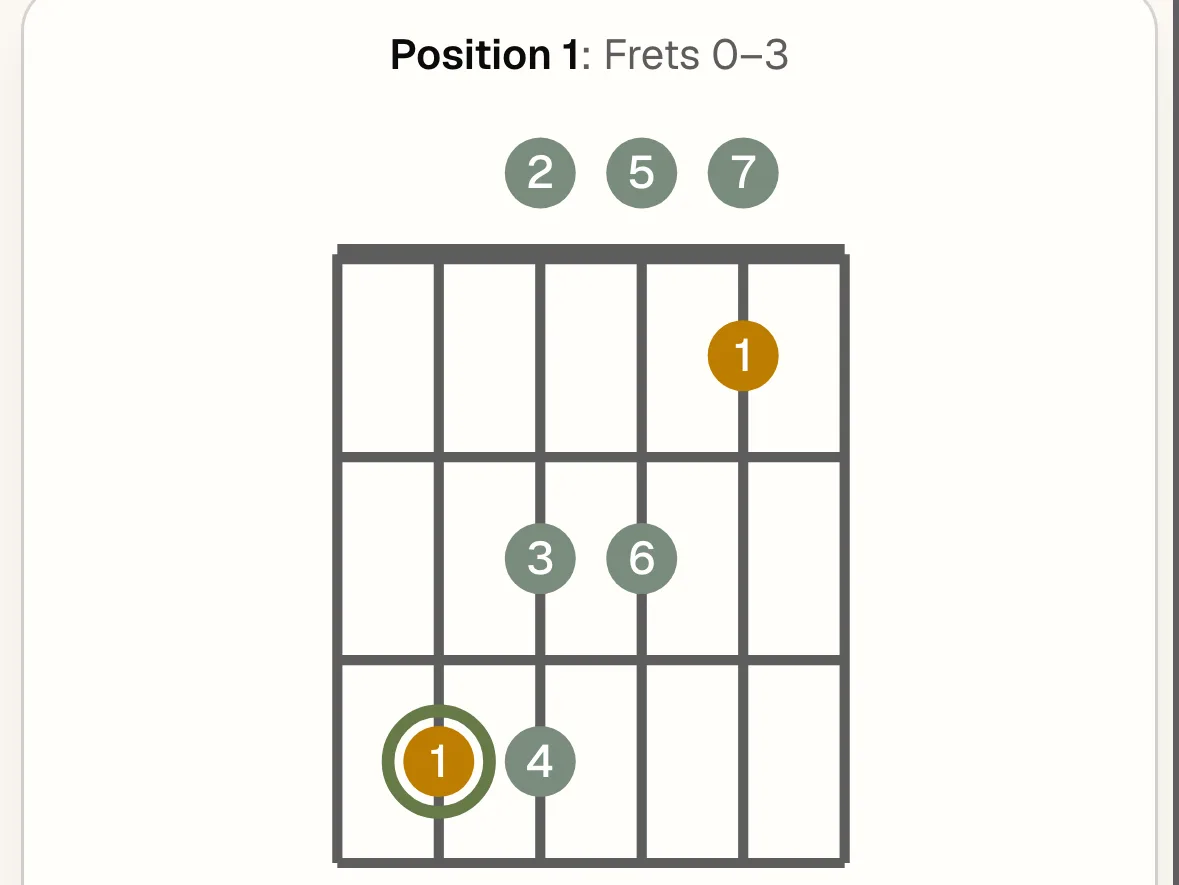
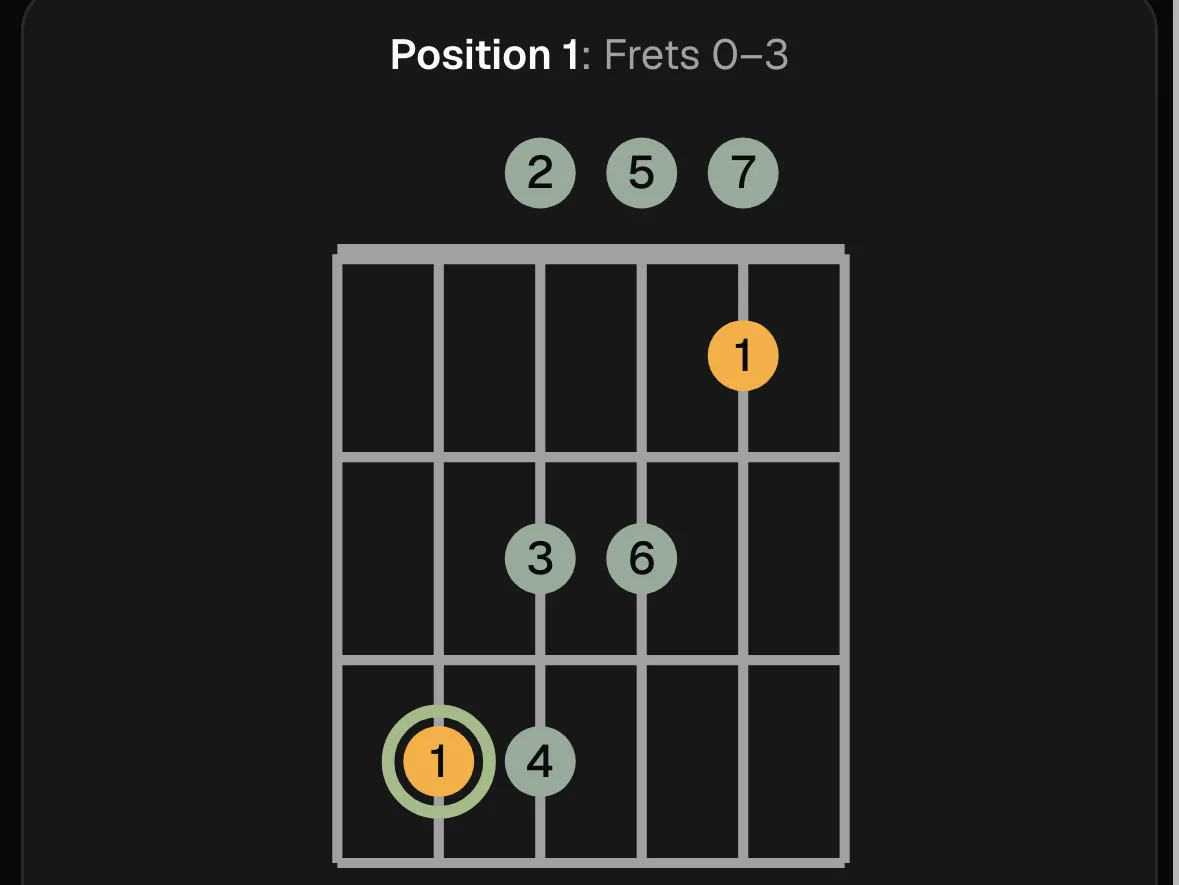
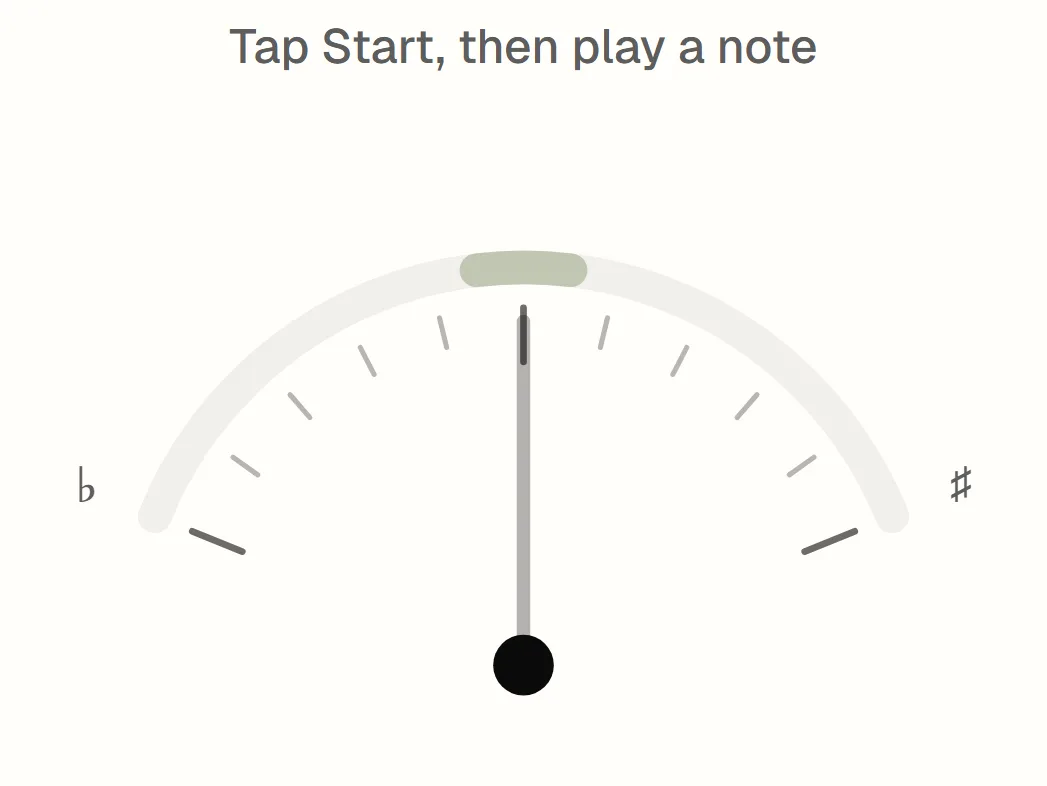
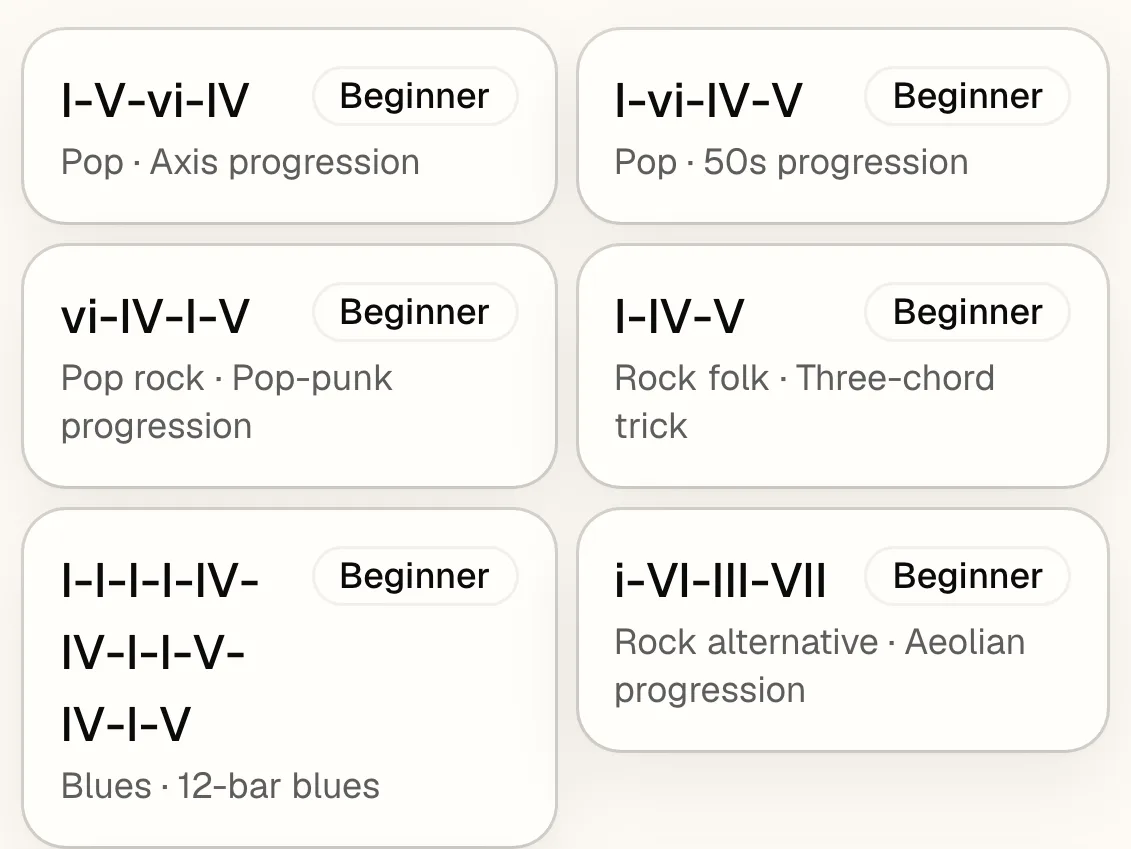
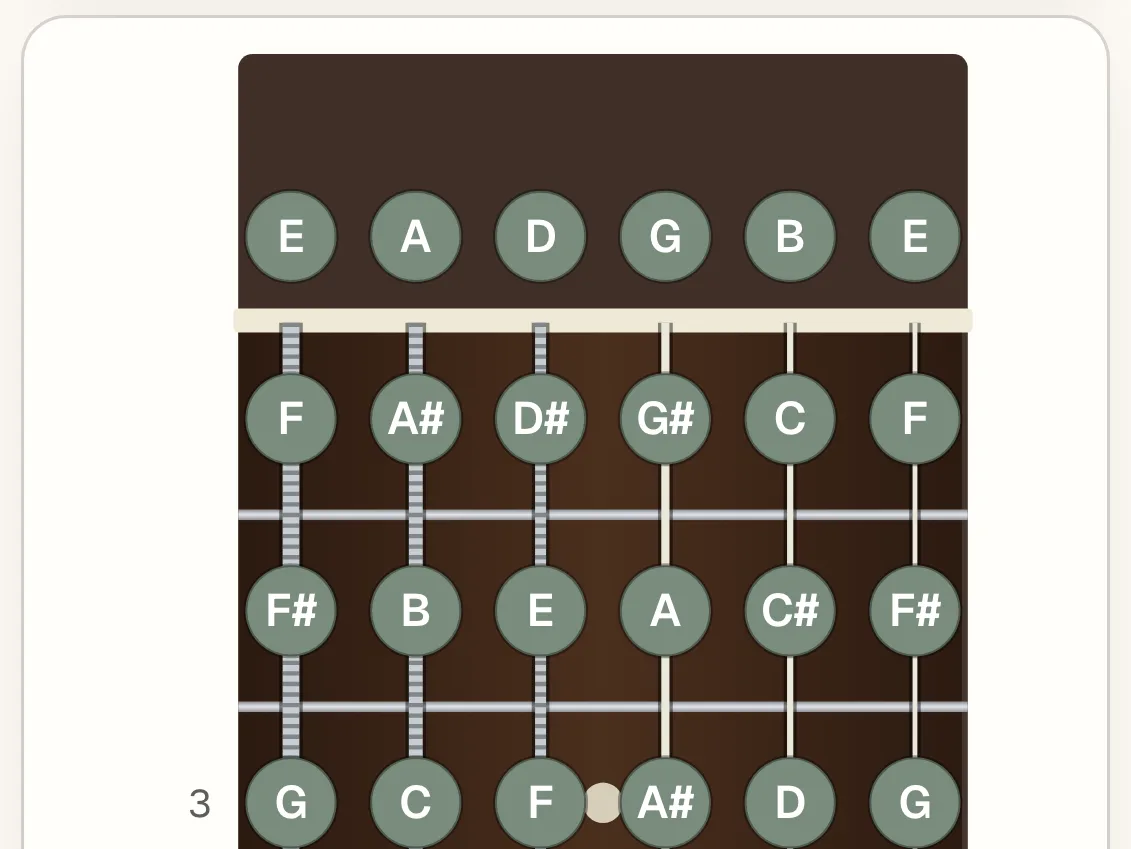
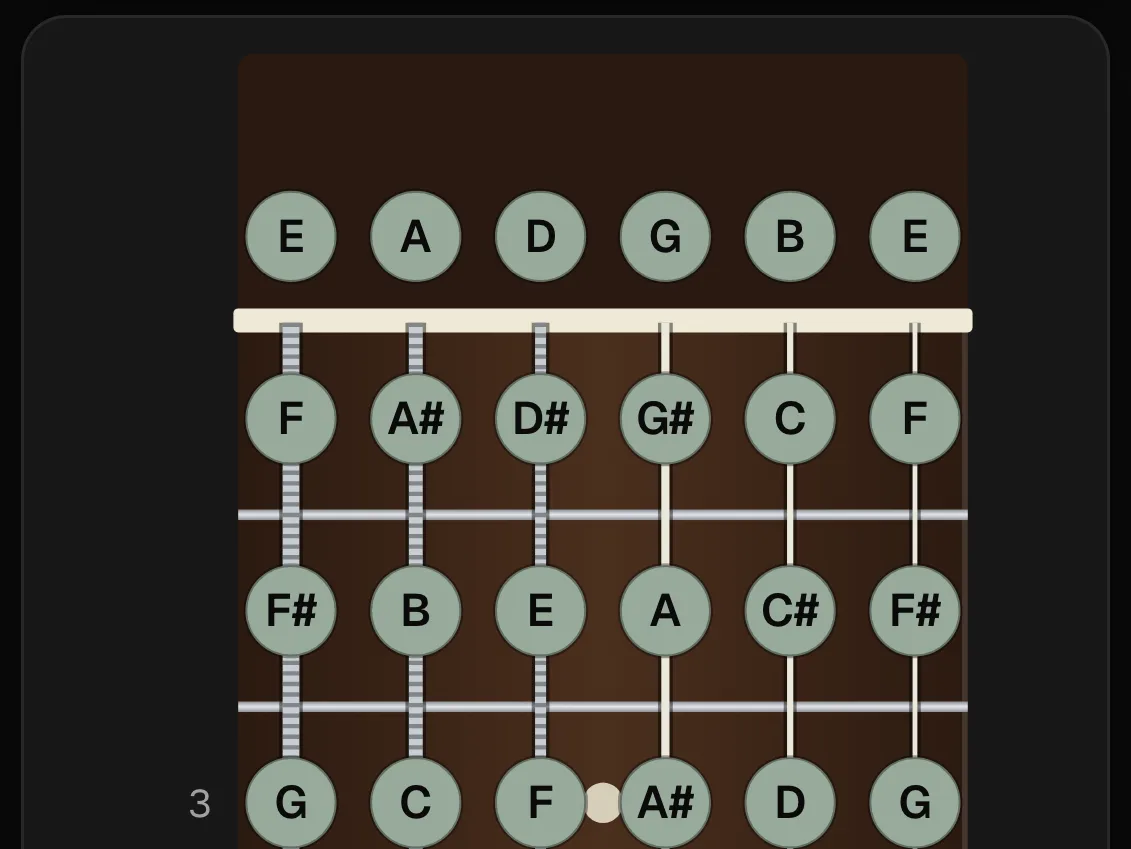
Explore chords with guitar fingerings and piano voicings, keys, scales across fretboard and keyboard, chord progressions, virtual instruments, and a mic-based guitar tuner. Audio stays strictly on your device.

Hungle playing guitar at a desk

Why ToBePlay Was Created

“I've always loved music and enjoyed spending time with my instruments.

Whenever I practiced, I found myself using different apps and learning materials at the same time. Constantly switching between them interrupted the experience and took away the inspiration that makes playing music so enjoyable.

I wished there was one place that brought everything I needed together, making learning and playing music simpler. ToBePlay was originally created to solve that problem for myself.

As I continued developing it, I became convinced that ToBePlay could help many others who share the same passion for music and playing instruments. I hope it will become a trusted companion, making everyone's musical journey simpler and more inspiring.”

— Hungle, Founder of ToBePlay

Powered by real instrument samples — with gratitude to the creators on our Credits page.

The band is ready. Just hit Play

Start free with popular styles and all music theory tools—no account needed. Install it like an app if you want, and your songs stay right on your device.

  • Free to start
  • No account needed
  • Smooth on mobile